|  | | |
You save 75%
| Ashampoo® App required
| 1-year-Subscription
| Download version
Operating System: Windows® 11 (x64), Windows® 10 (x64), Windows® 11 (ARM), Windows® 10 (ARM)
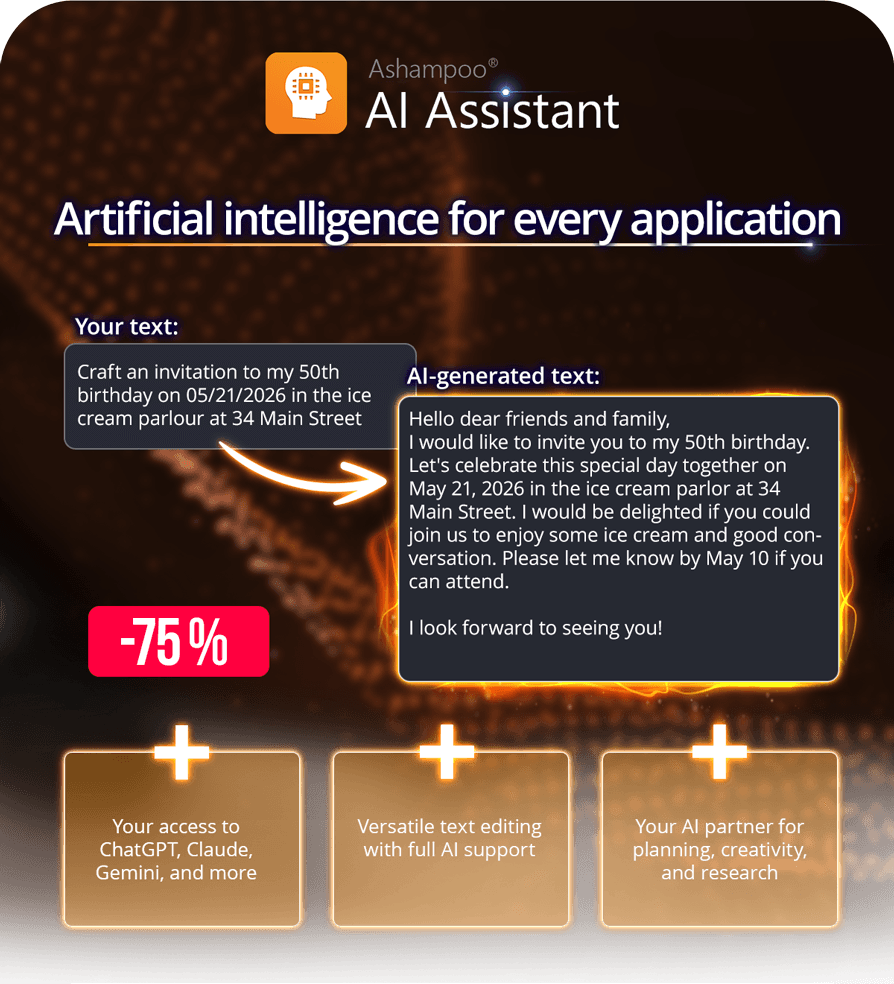
| | Ashampoo AI Assistant makes artificial intelligence easy to use: You gain access to several leading AI models such as ChatGPT, Claude, Gemini, and more–all bundled in a single subscription. Write texts, improve content, answer questions, research information, and develop ideas without having to switch services, logins, and interfaces. Instead of complicated prompts or individual AI services, you get a unified experience that provides helpful support for everyday life, work, learning, and creative tasks. |  | | Highlights |  | Instant tailor-made articles | | Enter or copy & paste text and have it edited in a variety of ways | | Convenient helpers and comfortable AI access | | Access multiple leading AI models in one subscription | | Web searches for up-to-date information | | “Think more” for complex questions | | No separate AI login, no sharing of personal data | | Choose between EU, US, and global servers | | Check spelling and extend texts | | Freely question the AI and assign custom tasks | | Translate into all major world languages | | 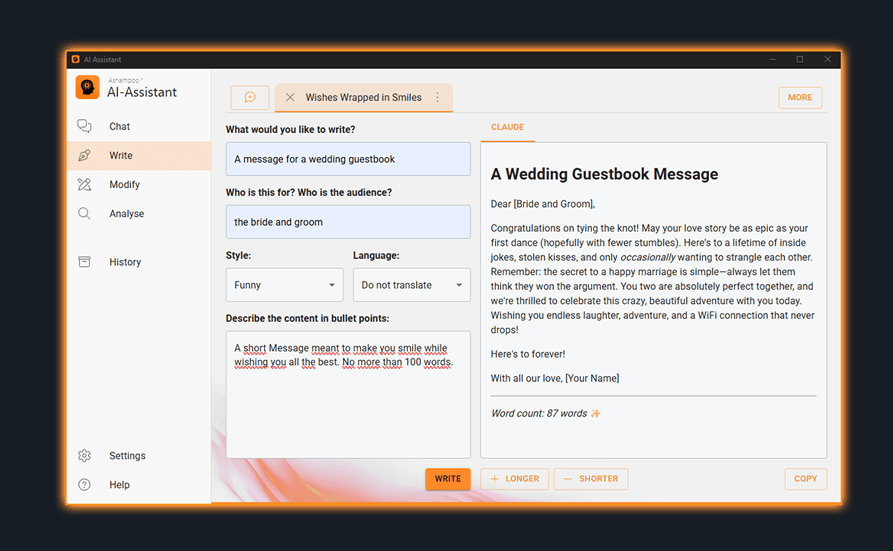 | | Multiple AI models for your tasks | | Every AI model has its own strengths. Some models excel at creative writing, while others are better suited for analysis, research, information structuring, or complex questions. If you have a preferred AI model, you can always select it directly. Or you can let AI Assistant pick a suitable AI model for you. With the tab support, you have have multiple chats open at once and instantly switch between them. And thanks to bookmarks, you can quickly find and continue previous interactions. | 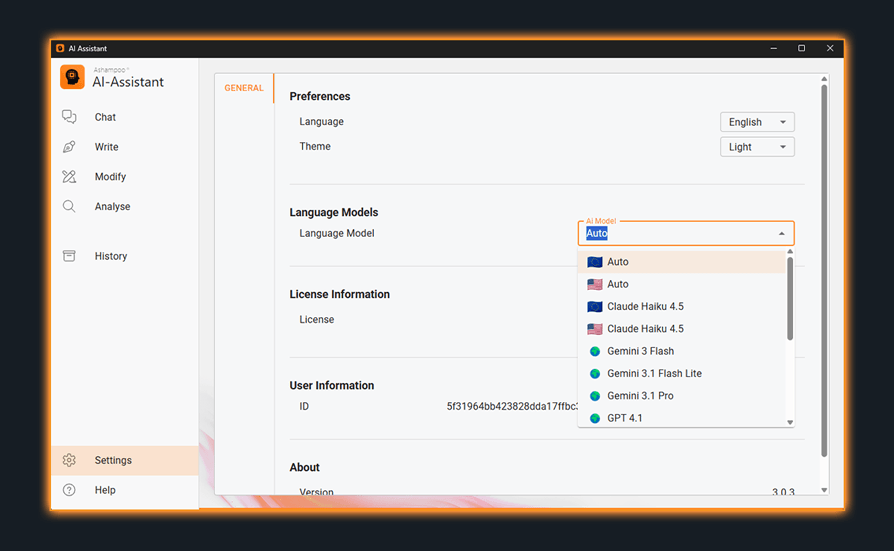 | | Privacy powered by EU servers by default | | Trust is especially important when working with AI. That’s why servers hosted in the EU are selected by default in Ashampoo AI Assistant. But you can always pick a US or globally hosted server to process new AI requests. The program itself has no access to personal data, accounts, or documents unless you enter the relevant content yourself. This keeps you in control of which information to share with the AI and the servers behind it. | 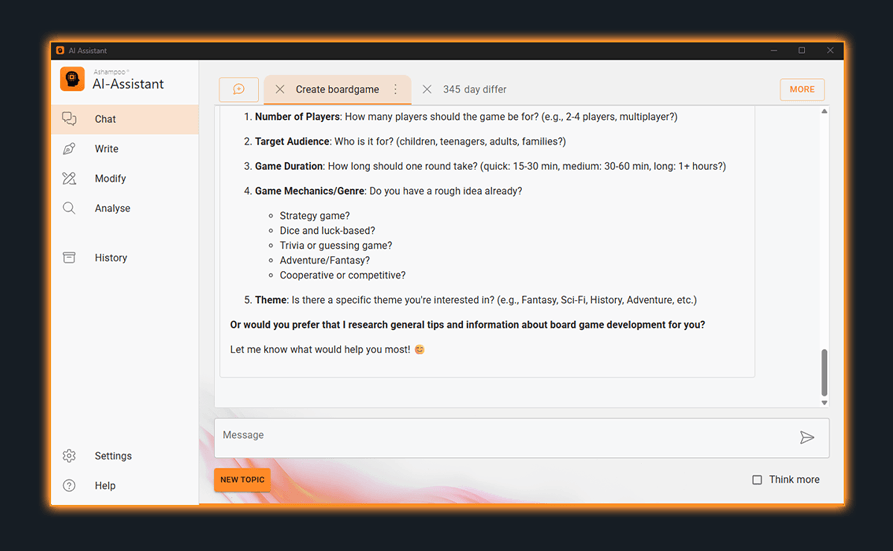 | | Create, improve, and translate text | | Whether email, letter, invitation, product text, social media post, or personal message: Ashampoo AI Assistant helps you turn just a few details into finished texts. You describe what you need, set the tone and content, and receive a workable draft that you can use or edit straight away. Existing texts can be corrected, rephrased, simplified, polished, or translated. With the "Shorter" and "Longer" functions, you can easily adjust the text length until the result fits its purpose exactly. | 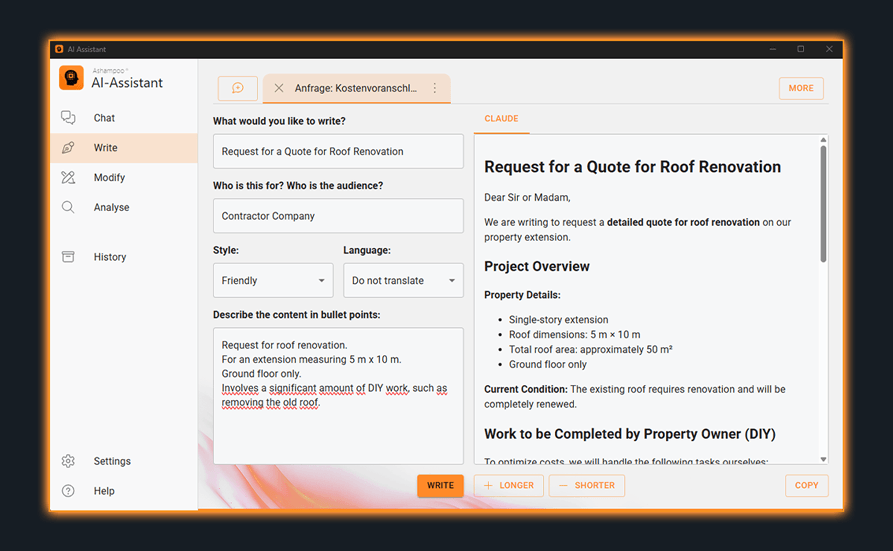 | | Understand content and use up-to-date information | | Extensive texts, complicated information, or comprehensive documents take time. Ashampoo AI Assistant helps you understand content faster by identifying key points and creating summaries. You'll process emails, articles, notes, or work-related information more quickly and work more efficiently. When up-to-date information is needed, the built-in AI models can perform web queries to extract specific details, new developments, or additional facts. | | Work efficiently and achieve professional results! | | The Ashampoo AI Assistant is designed to automatically retain your conversation history, storing it locally for easy searchability and accessibility. This feature is ideal for revisiting previous discussions or reusing content. Advanced users will benefit from support for Markdown formatting, code syntax highlighting, and mathematical formulas, enabling the presentation of structured and formatted content professionally. A convenient "Copy All" button allows for the swift reuse of complete results. Additionally, to maintain high text quality globally, regional language variants, including American and British English, are now available! |  | | |
You save 75%
| Ashampoo® App required
| 1-year-Subscription
| Download version
Operating System: Windows® 11 (x64), Windows® 10 (x64), Windows® 11 (ARM), Windows® 10 (ARM)
| |